
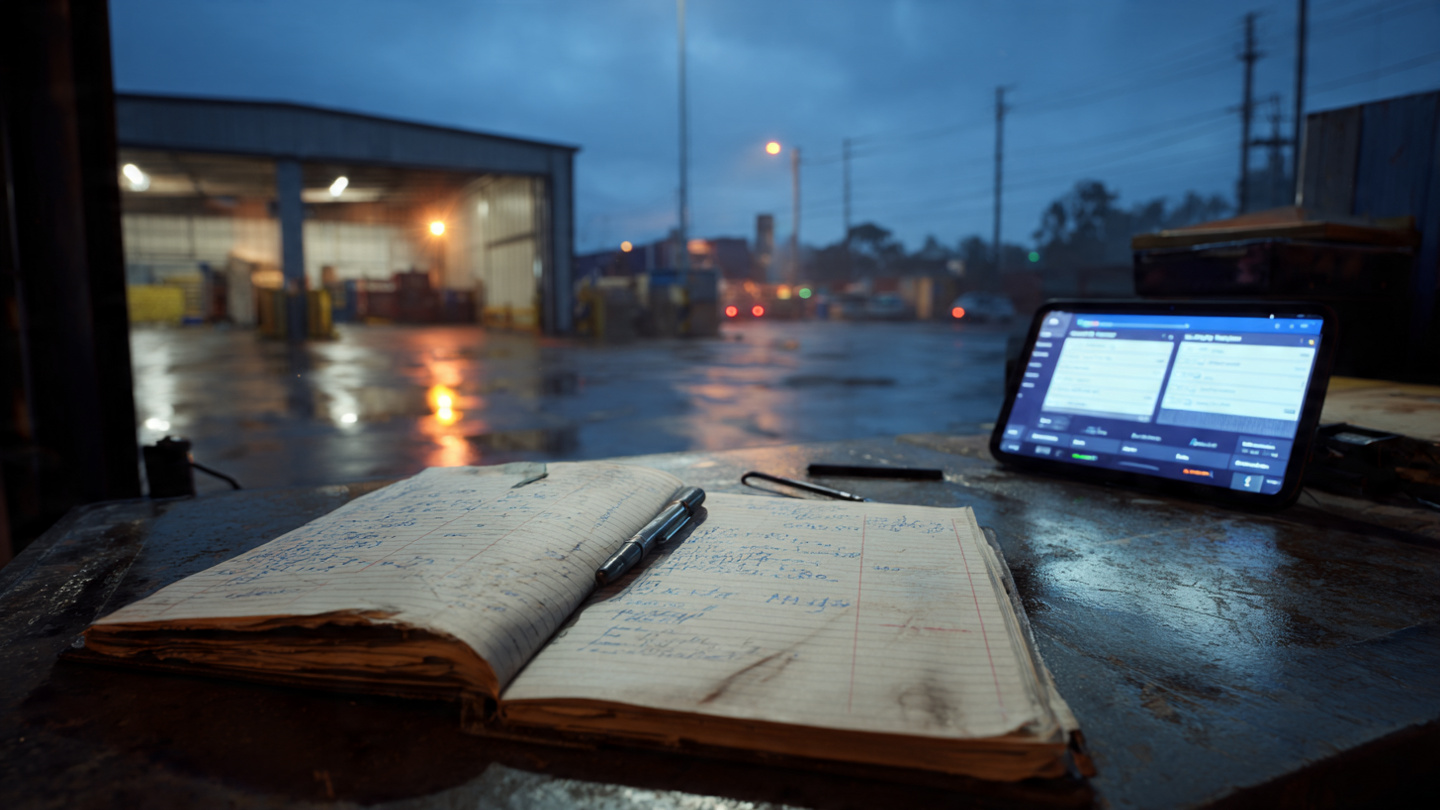
A paper logbook looks free. And technically it is: one notebook, one pen, and the guard's time to write things down. But that record doesn't do anything else. It doesn't alert, block, assign, or coordinate. It only documents what already happened.
That difference, between recording the past and controlling the present, never shows up as a line item in any monthly report. It shows up as overtime at shift end, as docks that stayed occupied without producing, as calls nobody documented, and as carrier penalties you had no way to dispute. Paper looks like zero cost because the real cost hides in other budget categories.
Here's what that number actually looks like.
A well-maintained logbook can track quite a bit: license plate, driver name, company, arrival time, assigned dock. If the guard is consistent and the handwriting is legible, you have a record of what happened each day.
But recording is not the same as controlling. The logbook can't do any of the following:
In practice, the guard operates with incomplete information, the coordinator fills the gaps with calls, and the receiving team works without visibility into what's arriving or when. Every link in this chain is verbal, and every verbal link is a failure point.
We ran the full cost model in Blocked Docks: The Hidden Cost in Your Warehouse. The base case: 8 docks, 45 trucks per day, 20% arriving outside their window, generating roughly 7 lost dock-hours per day.
Paper is the common denominator in that scenario. No pre-booked appointments, no yard visibility, no formal dock release process. The cost isn't caused by the notebook. It's caused by the absence of control that comes with depending on it.
| Cost layer | Monthly estimate |
|---|---|
| Idle labor + coordination + jockeys + overtime | ~$38,700 MXN |
| Carrier penalty clauses | ~$3,000–15,000 MXN |
| Direct subtotal | ~$42,000–54,000 MXN |
| Cascade effect (+15%) | ~$6,300–8,100 MXN |
| Total | ~$48,000–62,000 MXN/month |
What doesn't appear on the notebook's receipt shows up on overtime slips, throughput losses, and carrier detention charges when your facility runs over the agreed-upon window.
To run the numbers for your operation, use the Docklyx ROI Calculator: adjust dock count, daily truck volume, and the percentage arriving outside their window.
| Function | Paper / logbook | Docklyx |
|---|---|---|
| Arrival logging | Manual, error-prone | Automatic QR scan + timestamp |
| Appointment scheduling | Phone / WhatsApp | Self-service carrier portal |
| Yard visibility | None (must go verify in person) | Real-time dashboard |
| Occupied dock alert | Doesn't exist | Automatic when window is exceeded |
| Dock assignment | Verbal, sometimes walkie-talkie | On-screen when guard scans QR |
| Driver confirmation | Manual call or message | Automatic WhatsApp with exit QR |
| Evidence in disputes | Logbook that may be unreadable or missing | Digital timestamp + full audit trail |
| Historical data | Filed in paper, inaccessible | Exportable, filterable, analyzable |
| Visible monthly cost | $0 (notebook + pen) | From $4,999 MXN |
| Actual monthly cost | ~$48,000–62,000 MXN | From $4,999 MXN |
The last row is the one that stings. The most expensive tool in the comparison has a visible cost of zero. The system that appears free charges every month, just in different budget categories.
If your warehouse receives fewer than 5 trucks per day and runs a single dock, paper may genuinely be sufficient. Verbal coordination costs are low, the probability of a double booking is near zero, and the volume doesn't justify a software investment.
That condition is rare, though. Most warehouses running on paper receive between 20 and 80 trucks daily, operate between 4 and 12 docks, and coordinate with five or more different carriers per week. At that scale, paper doesn't fall short at the margins. The entire verbal coordination infrastructure that paper requires is what generates the $48,000–62,000 MXN monthly cost.
The question isn't "can we keep using paper?" It's "how much longer are we going to pay for it?"
The most immediate difference isn't analytics or reporting. It's what the guard stops doing.
With paper, the guard writes down the arrival, calls the coordinator to confirm dock availability, waits for a response, verbally tells the driver the dock number, and then hopes the truck reaches the right spot. If anything breaks in that chain, they repeat it.
With Docklyx, the carrier arrives with a QR code generated when they booked their appointment. The guard scans it. The screen shows the assigned dock, driver name, license plate, and cargo type. The truck enters. The system logs the exact entry time. The coordinator receives no call because there is no question to answer.
No additional hardware required, no lengthy training. The scanner can be the same phone the guard already uses. Learning the check-in flow takes about 15 minutes.
The fear with digitization is rarely the software cost. It's the idea that the transition will create chaos while the operation adapts. It doesn't have to.
Here's what the rollout looks like:
Day 1, morning: An operations lead configures docks, cargo types, and available time windows in Docklyx. It takes less than one shift. No need to pause operations.
Day 1, afternoon: The guard sees the complete flow: how to open the app, how to scan the QR, what to do when a driver arrives without an appointment. This takes 15 minutes.
Day 2: The coordinator sends the portal link via WhatsApp to the 10 most frequent carriers. The message is simple: "We have an appointment system now. Here's the link. Carriers with appointments go straight to the dock."
Week 1: Carriers who book through the portal enter their dock in 30 seconds. Carriers who arrive without an appointment wait. Nobody wants to wait when they could go straight in, so the habit forms on its own.
Paper doesn't vanish overnight. It can coexist during the transition. What disappears from the first shift is the verbal coordination that paper required to function at all.
Can your operation answer these right now without making a phone call?
If any answer is "I'd have to ask" or "let me check the logbook," that's your diagnosis. The logbook records, it doesn't control. And running without real-time control has a measurable cost that accumulates every shift.
The point isn't to replace paper as a matter of principle. It's to replace it because the cost of continuing to use it has already exceeded what the system that makes it obsolete actually costs.
Docklyx requires no hardware investment and no outside consultants. Initial setup takes less than one shift, the guard learns the scanner flow in 15 minutes, and carriers adopt the portal within the first week because the incentive is clear: arrive with an appointment, enter immediately.
Start free for 21 days — no credit card required
Docklyx digitizes the entire yard: appointments, check-in, docks, and real-time traceability.
Request free demo →One email per week. No spam.