The common perception in the logistics industry is that implementing a Yard Management System (YMS) takes weeks, if not months. Legacy solutions often report a minimum of three to six weeks of configuration. If we talk about enterprise-grade WMS or TMS projects, the timeline stretches to 6-12 months, accompanied by ballooning budgets: according to Tompkins Inc., roughly 60% of these large-scale projects experience serious cost overruns or schedule delays.
But in 2026, do you actually need that complexity to start digitizing your yard?
The short answer is no. With cloud-native platforms designed for busy operations, you can have your YMS running in less than 24 hours. No hardware installation. No expensive consultants. No operational downtime. This guide shows you exactly how to do it, hour by hour, with real data from implementations in the Mexican and North American markets.
Pre-Implementation: The 60-Minute Data Gather
The secret to a one-day implementation is preparation. You don't need to touch the software until you have this information gathered.
1. Basic Operational Mapping
- Dock List: Names/numbers of each dock and its specific type (loading, unloading, or mixed).
- Operating Hours: Gate shifts and holiday schedules.
- Capacity Rules: How many trucks can you realistically handle per hour?
- Carrier Directory: A list of your top 20 carriers with dispatcher contact information.
2. Minimum Infrastructure Checklist
- One tablet or computer at the gate with a modern web browser.
- Stable internet (4G/5G cellular coverage is sufficient).
- One "Project Owner" (the yard supervisor or operations manager) who can make decisions during the day.
Hour-by-Hour Implementation Plan
Hours 1-2: Digital Twin Configuration
This is where you mirror your physical yard in the digital system.
- Configure Docks: Add each dock with its rules. If you have 10 docks, this takes roughly 15 minutes in a modern platform like Docklyx.
- Set Time Slots: Define the duration of your appointments (e.g., 60-minute windows for unloading, 45-minute windows for loading).
- User Roles: Create accounts for gate guards, supervisors, and your traffic team.
Hours 2-3: Role-Specific Training
According to Prosci, projects with excellent change management are 6 times more likely to meet their objectives. You don't need a two-day seminar; you need 45 minutes of targeted training.
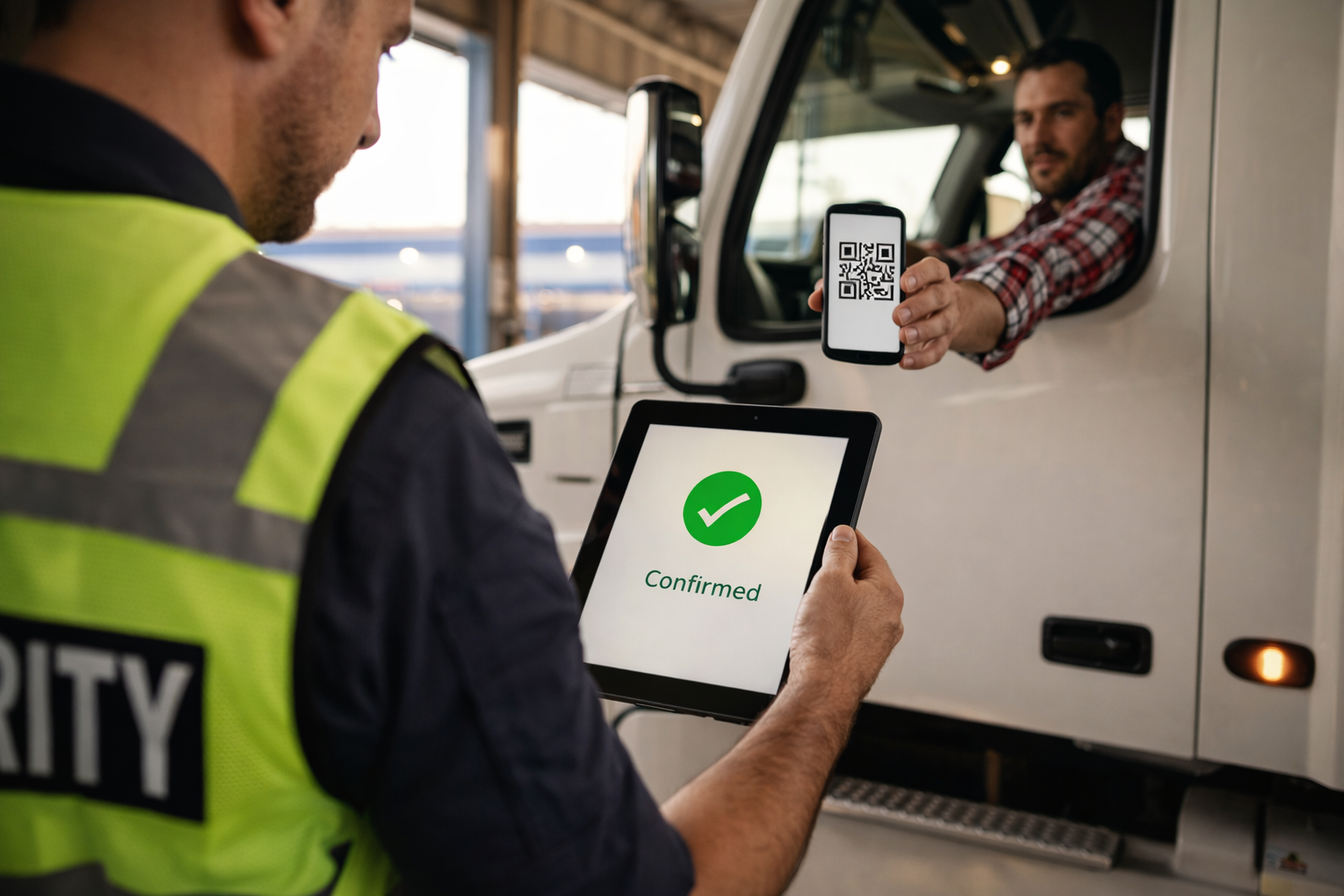
- Gate Guards (15 mins): Focus on scanning arrival QR codes and registering departures.
- Supervisors (15 mins): Focus on the real-time dashboard and dock reassignment.
- Managers (15 mins): Focus on KPI reports and carrier performance data.
Hours 3-4: Activating the Demand
A system is only as good as the carriers using it.
- The Link Blast: Send your new appointment portal link to your carrier directory via email or WhatsApp.
- The Announcement: "As of tomorrow, all arrivals require a digital booking."
- The Onboarding: Modern platforms like Highway show that carriers can register in under 30 seconds if the interface is intuitive.
Hours 4-8: Parallel Operation
Never shut off your old system on day one. Run the digital system alongside your manual clipboard for one full shift. This allows you to catch any data discrepancies without stopping the flow of trucks.
Case Study: Regional DC in Guadalajara
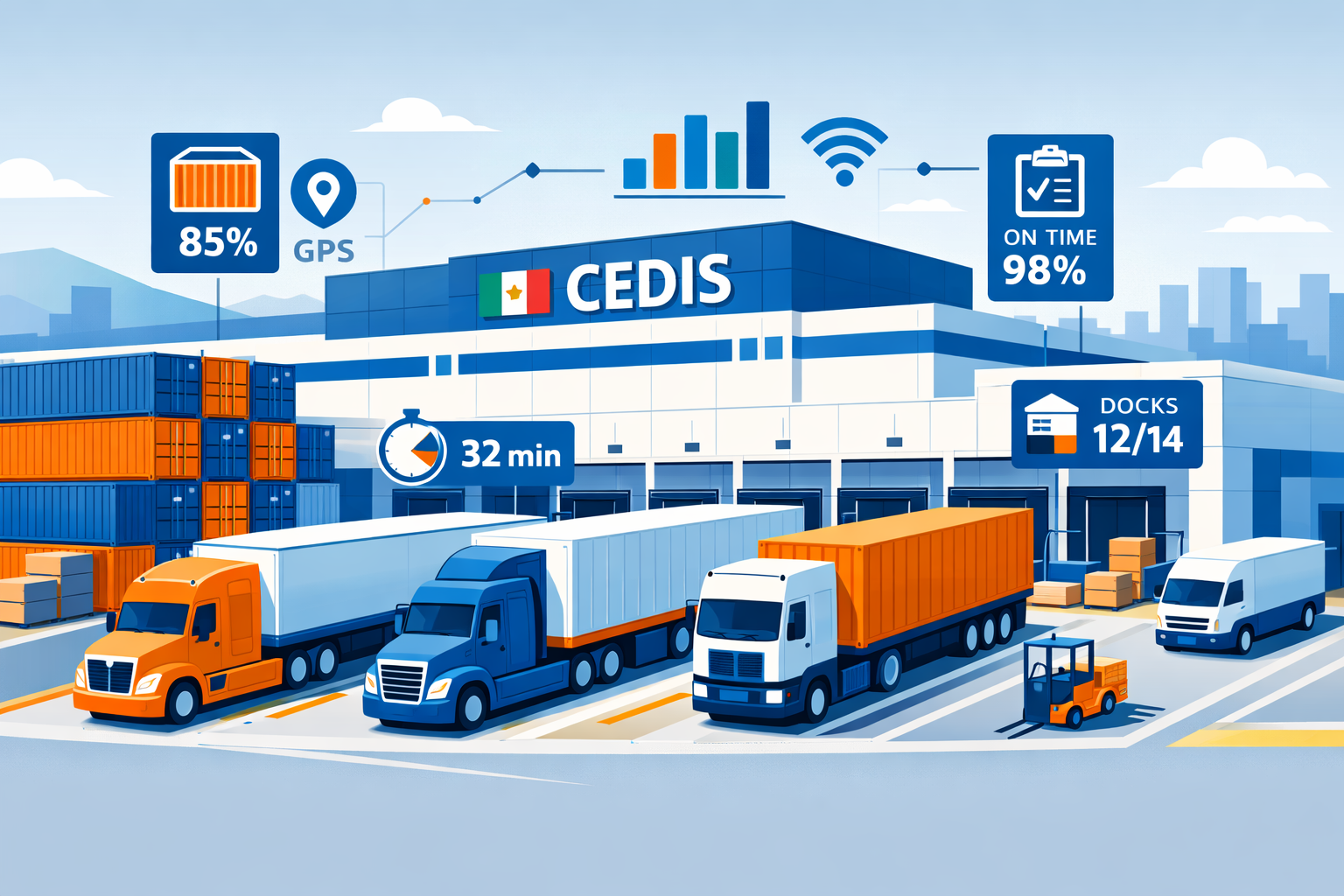
A distribution center in Guadalajara, Mexico, followed this 24-hour blueprint.
- The Goal: Eliminate a paper log that was causing 15-minute delays per truck.
- The Adoption: The gate guard, who had never used logistics software, mastered the QR check-in process in under 3 days.
- The Impact: Gate time dropped from 4 minutes to 30 seconds. The facility achieved 100% carrier compliance within the first week. You can read the detailed case study here.
5 Common Mistakes That Delay Implementation
Even with a one-day plan, these errors can derail your progress:
- Scope Creep: Trying to integrate with your ERP on day one. Start with the "Stand-alone" version and integrate later.
- Skipping the Guard Training: If the person at the gate doesn't understand the tool, the entire system fails.
- No "Super-User" on Night Shifts: Ensure every shift has one person who can troubleshoot basic issues.
- Bad Carrier Communication: If carriers aren't notified 24 hours in advance, they will show up without appointments, causing chaos.
- Over-complicating Rules: Start with simple rules (e.g., 1 hour per dock) and refine them as you gather data.
Walkthrough: How Docklyx Powers Your "Day 1"
Docklyx was built specifically for this "Fast-Track" implementation. Here is how our feature set supports a 24-hour rollout:
Step 1: Instant Organization Setup
When you sign up, you don't get a blank screen. You get an intuitive wizard that guides you through the dock and schedule setup. You can literally be "live" in 10 minutes.
Step 2: The Guard App (Low Learning Curve)
The Docklyx Guard App is designed for high-stress environments. It features big buttons, high-contrast text, and an instant QR scanner.
- The Experience: The guard scans the QR code from the driver's phone. If the appointment is valid, the screen turns green and displays the assigned dock. One tap, and the truck is in.
Step 3: Self-Service Carrier Portal
You don't have to "add" every carrier manually. You send a link, and they add themselves.
- The Experience: Carriers see your available windows in real-time. They pick a slot, upload their documentation, and receive a confirmation via WhatsApp. This removes the administrative burden from your team.
Step 4: Live Dashboard for Immediate Visibility
The moment the first truck is checked in, your dashboard comes to life.
- The Experience: You see exactly how many units are in the yard, how long they've been waiting, and which docks are falling behind. You get "Day 1" visibility that most DCs take months to achieve.
Conclusion: The First Step to a Digital Future
Implementation isn't about perfection; it's about progress. By digitizing your gate and your appointments in one day, you establish a baseline of data that allows you to calculate your true ROI.
The technology is ready. The carriers are already using the tools. The only thing missing is your decision to start.
Is your DC ready to go digital by tomorrow morning?
Start your 24-hour setup with Docklyx →
Start your 24-hour setup with Docklyx →
Learn why a YMS is better than a manual spreadsheet →
Sources & References:
- C3 Solutions, "CHAMP Methodology for Yard Management Implementation".
- Tompkins Inc., "The Success Rate of Enterprise Supply Chain Projects".
- Prosci, "Best Practices in Change Management, 12th Edition".
- MHI, "2025 Annual Industry Report: The Digital Evolution".
- McKinsey & Company, "Automation in the Warehouse: A $300B Opportunity".
- Opendock, "The Impact of Scheduling on Dock Productivity".
Ready to eliminate queues in your operation?
Docklyx digitizes the entire yard: appointments, check-in, docks, and real-time traceability.
Request free demo →