
You have sat through four vendor demos this week. Each one opened with a polished slide deck, a video of a truck pulling into a perfectly lit facility, and a list of features that could have been copy-pasted from the other three. By Friday afternoon, they all blur together. The dashboards look similar. The sales reps all promise "seamless integration." Nobody can tell you exactly how long implementation takes or what happens when your night-shift guard — who has been logging arrivals on a clipboard for twelve years — refuses to use the tablet.
Here is the uncomfortable truth: choosing the wrong yard management system (YMS) is more expensive than not choosing one at all. A failed deployment means months of sunk costs, a demoralized operations team, and a carrier base that lost trust in your scheduling process. But choosing the right one — with clear criteria, not gut feeling — can cut detention fees by 35-45% within a year and turn your yard from a liability into a competitive advantage.
This guide gives you a structured, 10-criteria framework to evaluate any yard management system (YMS) vendor. No fluff, no feature matrixes pulled from marketing pages. Just the questions that matter when you are spending real budget on a system your entire supply chain will depend on.
The dock and yard management systems market reached $4.32 billion in 2025 and is projected to hit $7.6 billion by 2030, growing at an 11.95% CAGR according to Grand View Research. ABI Research forecasts yard management system (YMS) revenues growing at a 30.5% CAGR through 2032, with cloud-based adoption projected to reach 75% by 2026.
The market is growing for a reason. Detention and demurrage costs are at crisis levels. In 2023 alone, detention cost U.S. for-hire trucking $15.1 billion — over 135 million hours of trucks sitting idle. Detention fees run up to $150 per hour; demurrage charges can reach $300 per day per container. These numbers are not abstractions. They show up on your freight invoices every month.
If you have been managing your yard with spreadsheets, WhatsApp groups, and radio calls, 2026 is the year that approach stops being "good enough." The cloud yard management system (YMS) market has matured. Pricing has come down. Implementation timelines have shrunk from months to weeks. The question is no longer whether to adopt one — it is which one fits your operation.
If you are still weighing whether you need a yard management system (YMS) at all, start with our overview of what a yard management system (YMS) actually does before diving into this evaluation guide.
Every vendor will show you the features they are proud of. Your job is to evaluate what matters for your operation. These ten criteria, applied consistently across every vendor demo, will tell you which vendor actually fits your operation.
Ask every vendor: "How many weeks from contract signature to the first live truck checking in?" Then ask for references who can confirm that number.
The spread across the market is enormous:
A vendor that quotes "6-12 months" for a basic facility is selling you an implementation project, not a product. Modern cloud platforms should get a single facility operational in weeks, not quarters. Some — including Docklyx — can do it in a single day for standard configurations.
The fastest path to ROI is the fastest path to production. Every week your yard runs without digital scheduling is another week of preventable detention charges. If you want to understand just how fast a modern deployment can work, read about implementing a yard management system (YMS) in one day.
Yard management system (YMS) pricing models vary widely, and the lack of transparency in this market is a real problem. Here is what you will encounter:
Some vendors charge per transaction (per appointment or per check-in), which makes costs unpredictable as volume grows. Others bundle hardware costs into the subscription, which inflates the monthly rate even if you already own tablets and scanners.
What to demand: a written pricing breakdown that shows the base fee, per-user costs, integration fees, and what happens to your rate when you add a second or third facility. If a vendor cannot give you a clear number on a single call, that is a signal about how the rest of the relationship will go.
To understand the financial case for your investment, use our guide to calculating ROI on a yard management system.
This is the criterion nobody talks about during vendor evaluations — and it is the one that kills more deployments than any technical limitation.
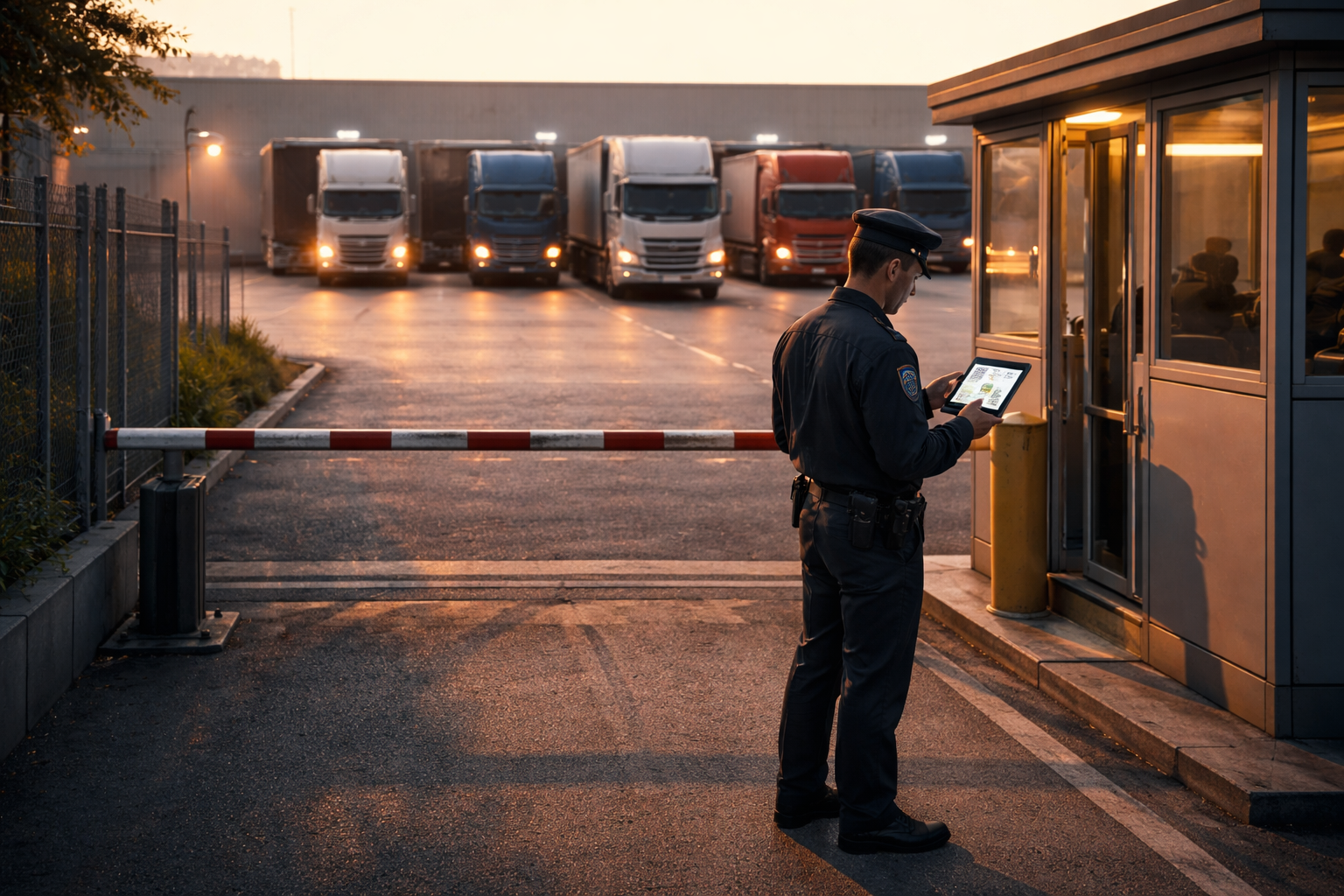
Your gate guard is the most critical user of the system. Not the logistics director. Not the warehouse manager. The guard. They process every arrival and departure. They work under time pressure with a line of trucks building behind them. Many have limited tech experience. Some work night shifts alone.
If the check-in flow requires more than three taps — scan QR, confirm identity, assign dock — your guard will find workarounds. They will log arrivals on paper "just in case" and enter them into the system later. Within two weeks, your real-time visibility is gone.
During the demo, ask the vendor to walk through the guard's daily workflow. Better yet, ask if you can put a tablet in your guard's hands for a trial. If the interface is not obvious within 30 seconds, the system is too complicated for the role.
A well-designed digital check-in flow should reduce gate transaction time from 5-15 minutes to under 30 seconds. That is the benchmark.
Your carriers are not going to install a desktop application. They need a mobile-first portal — ideally a web app that works in any browser — where they can:
The carrier self-service portal eliminates the phone calls, WhatsApp messages, and emails your operations team currently handles to coordinate arrivals. Every call your team does not have to answer is time recovered for actual operations work.
Ask the vendor: Does the carrier portal work on a $100 Android phone with a slow connection? Does it send WhatsApp or SMS notifications, or only email? Can a carrier with zero training book an appointment on their first visit?
A yard management system (YMS) that operates in isolation creates a data silo. The real value comes when your yard data flows into your warehouse management system, your transportation management system, and your ERP.
In operations where the impact has been measured, linking a yard management system (YMS) with a WMS cuts delays by up to 30% and truck idle time by 20%. The WMS knows when a dock's loading is complete; the yard management system knows the next truck is waiting in the staging area. Connected, they orchestrate the handoff automatically.
Ask about integration architecture:
If the vendor says "we can build a custom integration" and quotes 8 weeks of professional services, that is a red flag. Modern platforms ship with webhook support and open APIs out of the box.
For a deeper look at how yard management system (YMS) fits alongside your other systems, see our comparison of Yard Management System (YMS) vs. WMS vs. TMS.
In 2026, AI in yard management is no longer a slide in a pitch deck — it is a measurable differentiator. But you need to distinguish between vendors who bolt on a chatbot and call it "AI-powered" versus those who use machine learning where it actually matters.
Useful AI in a yard management system (YMS) looks like:
Ask the vendor: What data does your AI use? How much historical data is needed before predictions become accurate? Can you show me a before/after comparison from a real customer?
For more on how AI is reshaping yard operations, read about AI-driven carrier scoring in logistics.
Some yard management system (YMS) platforms require specific hardware: RFID readers, ANPR cameras, proprietary tablets, fixed-mount scanners. Others run on any device with a web browser.
The hardware question matters because it directly impacts:
For most operations, a modern cloud yard management system (YMS) that runs on standard tablets and smartphones — using QR codes instead of RFID for check-in — delivers 90% of the value at 10% of the hardware cost. RFID and IoT make sense for very large yards with hundreds of trailer positions where real-time location tracking is essential. For a 10-dock facility, a tablet at the gate and smartphones for yard checks are sufficient.
Ask: What is the minimum hardware I need to go live? Can I start with QR-based check-in and add RFID later if needed?
If you operate — or plan to operate — more than one facility, evaluate the yard management system (YMS) as a multi-site platform from day one. Retrofitting multi-site support later is painful.
Key questions:
Some vendors price aggressively for the first facility and then charge near-full price for each additional site. Others offer volume discounts that make the second and third facilities significantly cheaper. Get multi-site pricing in writing before you sign.
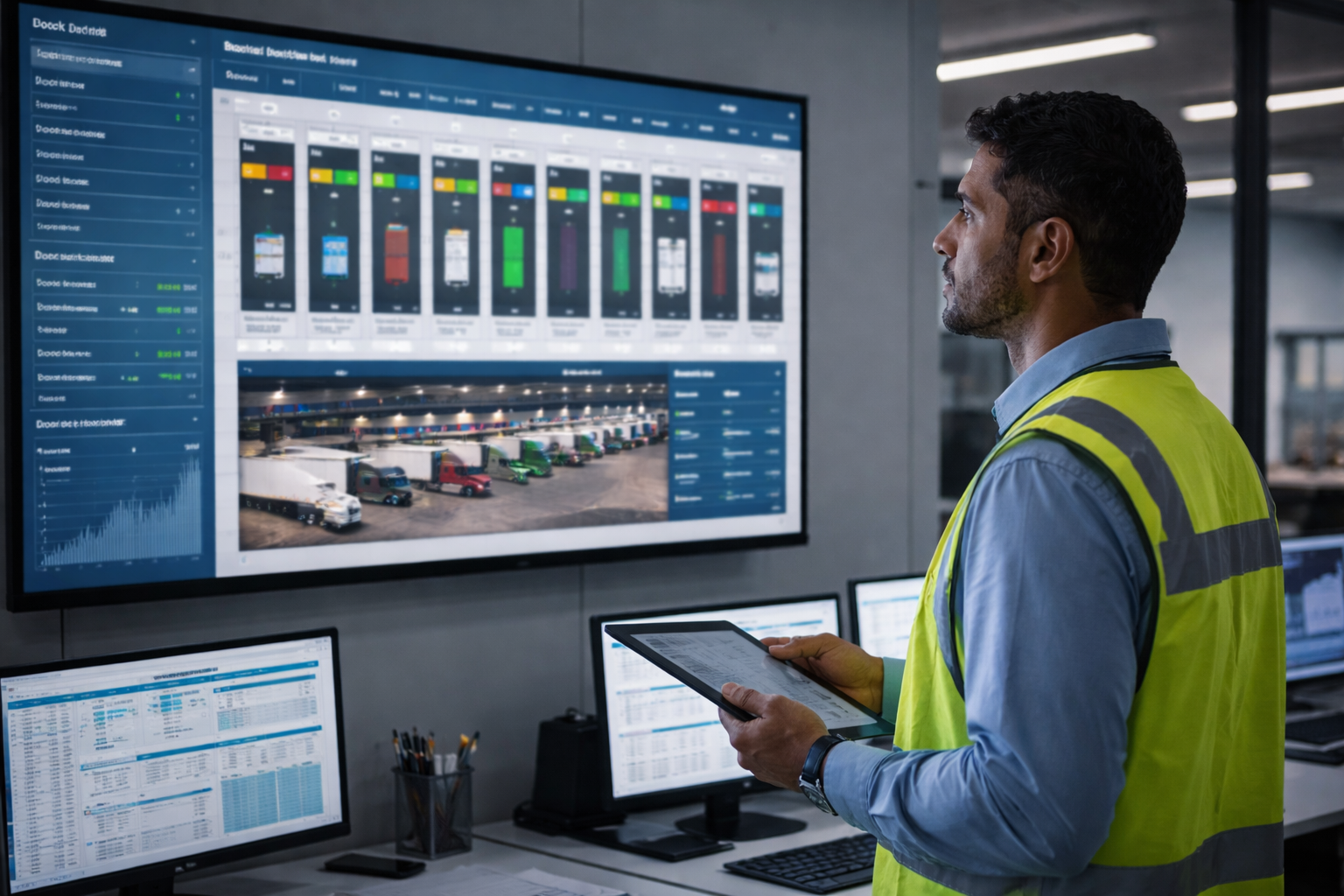
A yard management system (YMS) without good reporting is a data collection tool, not a management tool. You need dashboards and reports that answer the questions your operations team asks every day:
The best platforms track these logistics yard KPIs automatically and make the data accessible without requiring a BI tool or SQL knowledge.
During the demo, ask: Can I build a custom report? Can I export data to CSV or connect to Power BI/Looker? How far back does the data history go? Is there an alerting system for when a KPI crosses a threshold?
This criterion gets overlooked by U.S.-based evaluators until implementation starts and the support team is in a time zone 12 hours away. It gets overlooked by Latin American buyers until they realize the interface only exists in English and their guards cannot read it.
What matters:
If your operation spans multiple countries or serves both English and Spanish speakers, native bilingual support becomes a hard requirement.
After watching dozens of companies go through this process, four mistakes come up repeatedly.
Buying enterprise when you need starter. A 15-dock distribution center does not need a platform designed for a 200-dock port terminal. Enterprise yard management system (YMS) platforms come with enterprise complexity: longer implementations, steeper learning curves, higher costs, and features you will never use. Start with a plan that matches your current scale and upgrade when your operation demands it.
Ignoring the guard's experience. The executive team evaluates the dashboard. The IT team evaluates the API. Nobody asks the guard what they think. Then the guard refuses to use it, and the entire system's data integrity collapses. Put the device in the guard's hands during the evaluation. Their feedback matters more than anyone else's.
Choosing on-premise in 2026. Unless you have a regulatory requirement that explicitly prohibits cloud hosting, there is no operational justification for on-premise yard management system (YMS) deployment in 2026. Cloud platforms update automatically, scale without hardware procurement, and eliminate the need for dedicated IT infrastructure. The "security" argument for on-premise evaporated years ago — modern cloud platforms offer encryption, SOC 2 compliance, and better uptime than most on-premise servers.
Skipping the free trial. Several vendors offer 14-day or 30-day free trials. Use them. A live test with real trucks, real guards, and real carriers will reveal more in one week than six months of demos and reference calls. If a vendor does not offer a trial, ask why.
Looking to test before you commit? Docklyx offers a 14-day free trial with no credit card required. Set up your first facility, run real appointments, and let your guards and carriers experience the system before you make a decision. Start your trial here.
A distribution center in the Monterrey metropolitan area was managing arrivals the old-fashioned way: a guard at the gate with a notebook, communication over radio and WhatsApp, and verbal dock assignments. Carriers arrived without appointments and waited 3 to 6 hours to unload. Monthly demurrage charges exceeded $10,000 USD.
The team evaluated four vendors over six weeks. They discarded two because of implementation timelines over three months. Of the remaining two, they chose a cloud platform that met the 10 criteria in this guide, with particular emphasis on guard usability and an included carrier portal.
Results after 90 days:
The full breakdown of how detention cost reduction works in practice is available in our case study on 73% demurrage reduction.
To illustrate how the evaluation works in practice, here is how Docklyx maps against each criterion. Run the same exercise with every vendor you evaluate.
On implementation, the Starter plan goes live in a single day — create your account, configure docks, invite carriers, print QR codes. No professional services engagement. Pro and Enterprise with integrations take longer, but the core system is operational from day one. On pricing, three plans are publicly listed — Starter (1 facility, 5 docks, 10 users, unlimited appointments), Pro (3 facilities, 20 docks, 30 users), and Enterprise (unlimited) — with a 14-day free trial to start. No per-transaction fees, no hidden surcharges.
The guard experience is three steps: scan QR, confirm carrier identity on screen, tap to assign dock. Guards at customer facilities have adopted the tablet workflow within their first shift. The interface is designed for the person standing at a gate with trucks waiting, not for someone at a desk. The carrier portal is web-based and works on any smartphone browser — book appointments, view QR codes, receive WhatsApp or email notifications. No app to install. WhatsApp support matters in markets where email open rates among drivers are close to zero.
For integrations, Docklyx provides secure outbound webhooks (Enterprise plan) that connect to any WMS, TMS, or ERP that can receive HTTP events. On AI, the Pro plan includes Cerebro AI: predictive insights for dock availability, carrier scoring from historical data, natural language queries, a slot optimizer, and a WhatsApp bot for appointment booking.
Hardware requirements: none that are proprietary. Any tablet at the gate, any smartphone for carriers, QR codes instead of RFID. Zero infrastructure investment to start. Multi-site scales from 1 facility (Starter) to 3 (Pro) to unlimited (Enterprise), with each facility maintaining its own configuration while sharing a centralized dashboard.
Reporting comes built in: dock utilization, turnaround times, carrier punctuality, detention hours, no-show rates. Data exports and webhook events feed external BI tools when needed. And on localization, Docklyx is natively bilingual in Spanish and English — not a translated overlay, but a fully localized interface. Support operates in Latin American time zones.
Use this checklist during every vendor demo. Score each criterion on a 1-5 scale and compare vendors side by side.
Scoring guide:
Print this list. Bring it to every demo. Do not let a polished slide deck override a structured evaluation.
It depends on the deployment model. Cloud SaaS platforms with standard configurations can go live in 2-8 weeks. Implementations involving WMS/TMS integrations typically take 8-12 weeks. Enterprise deployments with RFID/IoT hardware range from 12-20 weeks. Legacy on-premise solutions can take several months to over a year. The key variable is not the software — it is the integrations and change management.
Industry benchmarks show that a yard management system (YMS) saves the average warehouse approximately $99,752 per year and cuts detention costs by around $4,000 per month. Companies typically report a 20-40% increase in dock turnaround speed and a 35-45% reduction in detention fees within the first year. Your actual ROI depends on your current volume, detention exposure, and operational maturity. Our ROI calculator guide walks through the math for your specific operation.
Standalone yard management system (YMS) platforms are typically more specialized, more flexible, and faster to deploy. WMS-embedded yard modules offer tighter integration but are limited to what the WMS vendor decided to build — which is often a fraction of what a dedicated yard management system provides. If your WMS vendor offers a yard module, evaluate it against the 10 criteria in this guide. If it scores below 30, a standalone platform is the better investment.
First-come-first-served (FCFS) means trucks arrive without appointments and wait in line. Dock scheduling assigns time slots in advance, reducing wait times and enabling predictable operations. The shift from FCFS to scheduled docking is one of the highest-impact changes a distribution center can make. We break down the comparison in detail in our guide to dock scheduling vs. FCFS.
Yes — when the portal is simple enough. The key is removing friction: no app download, no account creation beyond email, mobile-friendly interface, and clear confirmation with a QR code. Carriers who previously called or texted to schedule will switch to self-service within 1-2 weeks if the portal saves them time. The carriers who resist are typically the ones whose current process involves calling a personal contact — and that dependency is exactly what you need to eliminate for operational consistency.
You now have a structured framework, a printable checklist, and clear benchmarks for what good looks like across each criterion. The next step is not another vendor deck — it is a hands-on trial with real trucks and real operations.
Docklyx offers a 14-day free trial that lets you configure your facility, invite carriers, and run live appointments. No credit card. No sales call required. Set it up in the morning, check in your first truck by afternoon.
The hidden costs of gate queues do not pause while you deliberate. Every day without digital scheduling is another day of preventable detention charges and manual coordination overhead.
Start your free trial at docklyx.com and evaluate Docklyx against this checklist with your own operation's data.
Docklyx digitizes the entire yard: appointments, check-in, docks, and real-time traceability.
Request free demo →One email per week. No spam.
Automate dock appointments and check-in with WhatsApp Business API. Learn how to save 10+ hours weekly and eliminate yard congestion with Docklyx.
Unlock yard efficiency with our 2026 Yard Management Software guide. Features, McKinsey stats, and a Docklyx walkthrough. Digitizing your DC starts here.

How AI optimizes logistics yards in Mexico: predictive dock assignment, anomaly detection, and automated gate check-in. Practical guide for 2026.